Build a Code Editor Like VS Code, Part 3: The File Explorer
AdminJune 25, 20266 min read
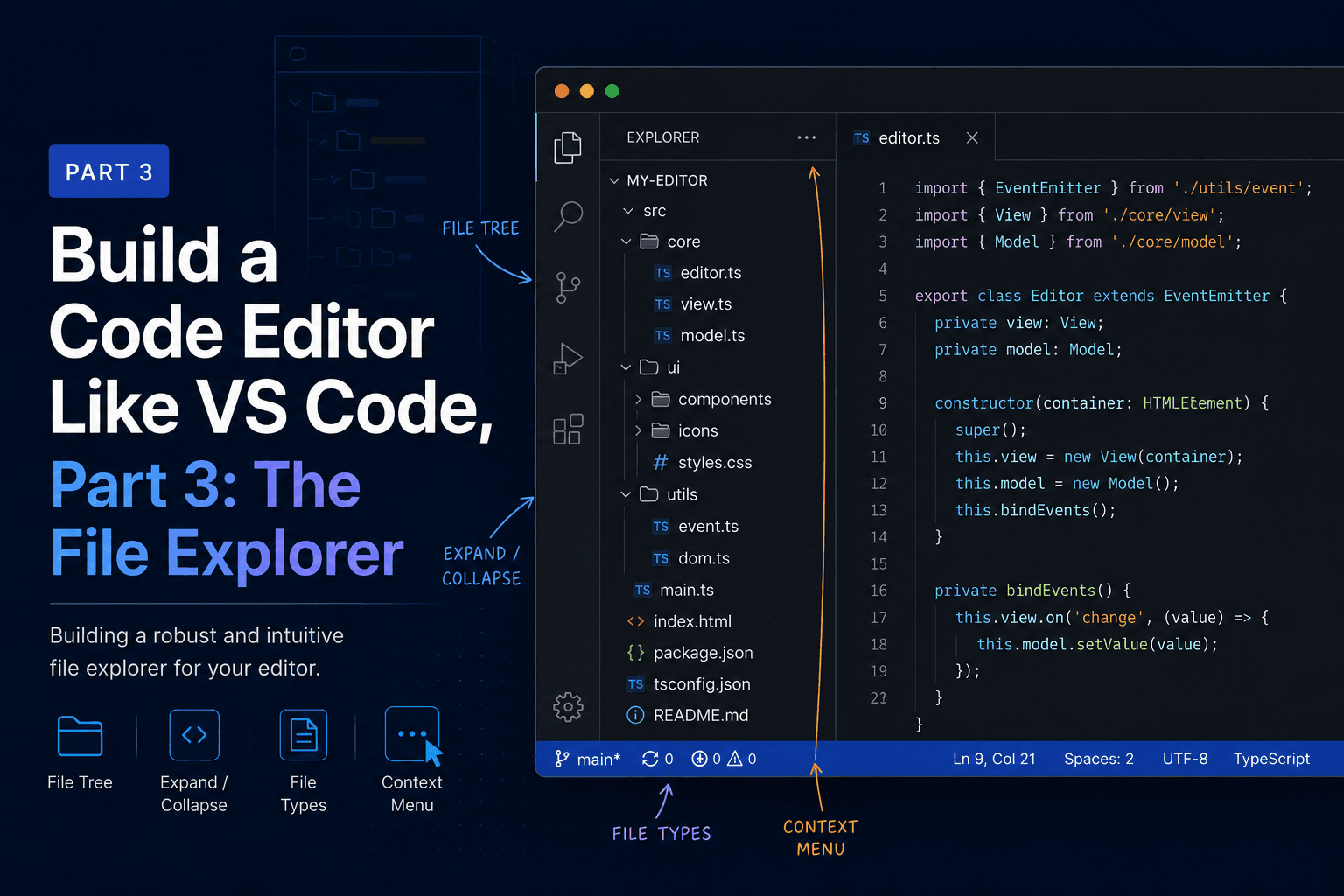
So far the editor shows hardcoded text. In this part we make it open real files. We build the file explorer in the left sidebar, and to do that we finally use the IPC bridge we described back in Part 1. The renderer cannot read the disk on its own, so it will ask the main process to do it.
By the end, you'll click "Open Folder", browse a tree of your files, click one, and watch its contents load into the Monaco editor from Part 2.
Three things need to happen across the process boundary, and all of them are privileged work the sandboxed UI can't do itself:
Each one follows the same path: the renderer calls a function on window.api, the
preload forwards it over IPC, and the main process does the actual filesystem work
and returns the result. We'll define all three on the main side first, expose them
through preload, then build the UI that calls them.
Both the main process and the renderer need to agree on what a directory entry looks like. Define it once so the contract is in a single place.
src/shared/types.ts:
export interface DirEntry {
  name: string
  path: string
  isDirectory: boolean
}
We'll import this from both sides. Keeping the shape in one file is what stops the main process and the UI from drifting apart as the app grows.
There's a catch with this new folder. The electron-vite template splits TypeScript
into two projects: tsconfig.node.json covers src/main and src/preload, and
tsconfig.web.json covers src/renderer. Neither one knows about src/shared, so
the first file that imports from it fails to typecheck with TS6307: File is not listed within the file list of project. Since both the main process and the
renderer import DirEntry in this part, add src/shared to the include array of
both configs.
In tsconfig.node.json:
"include": ["electron.vite.config.*", "src/main/**/*", "src/preload/**/*", "src/shared/**/*"],And in tsconfig.web.json, add the same glob to its include list:
"include": [
  "src/renderer/src/env.d.ts",
  "src/renderer/src/**/*",
  "src/renderer/src/**/*.tsx",
  "src/preload/*.d.ts",
  "src/shared/**/*"
],
Like the JSX fix earlier, this only surfaces during a typecheck or build, not under
npm run dev, so it's easy to miss until the editor flags it.
This is the host. It runs in Node, so it has the full filesystem API. We register
three handlers with ipcMain.handle, each one answering a named channel.
In the electron-vite template the main entry is src/main/index.ts, and it already
has an app.whenReady().then(...) block that creates the window. Add the handlers
there, alongside the existing createWindow() call.
import { ipcMain, dialog } from 'electron'
import { readdir, readFile } from 'fs/promises'
import { join } from 'path'
import type { DirEntry } from '../shared/types'

function registerFileHandlers(): void {
  ipcMain.handle('dialog:openFolder', async () => {
    const result = await dialog.showOpenDialog({ properties: ['openDirectory'] })
    if (result.canceled || result.filePaths.length === 0) return null
    return result.filePaths[0]
  })

  ipcMain.handle('fs:readDir', async (_event, dirPath: string): Promise<DirEntry[]> => {
    const entries = await readdir(dirPath, { withFileTypes: true })
    return entries
      .map((e) => ({
        name: e.name,
        path: join(dirPath, e.name),
        isDirectory: e.isDirectory()
      }))
      .sort((a, b) => {
        // Folders first, then alphabetical, the way most editors show it.
        if (a.isDirectory !== b.isDirectory) return a.isDirectory ? -1 : 1
        return a.name.localeCompare(b.name)
      })
  })

  ipcMain.handle('fs:readFile', async (_event, filePath: string): Promise<string> => {
    return readFile(filePath, 'utf-8')
  })
}
Then call registerFileHandlers() inside the whenReady block, before or after
createWindow(). It doesn't matter which, as long as it runs once at startup.
Two things to notice. The handlers return plain serializable data, since anything
crossing IPC gets structured-cloned and a Dirent object wouldn't survive the trip,
which is why we map it down to our flat DirEntry. And we read files as utf-8,
which is fine for source code but would mangle a binary file like an image. Handling
that is a refinement for later; right now we're building a code editor, and code is
text.
The preload script is the only thing the renderer can see of the Node world, and we
keep that surface deliberately small. We do not hand the UI raw fs. We hand it
three specific functions that each do one named thing. If the renderer is ever
compromised, the worst it can do is the things we explicitly allowed.
The electron-vite template already has a preload that exposes an api object. Fill
it in.
src/preload/index.ts:
import { contextBridge, ipcRenderer } from 'electron'
import { electronAPI } from '@electron-toolkit/preload'
import type { DirEntry } from '../shared/types'

const api = {
  openFolder: (): Promise<string | null> => ipcRenderer.invoke('dialog:openFolder'),
  readDir: (path: string): Promise<DirEntry[]> => ipcRenderer.invoke('fs:readDir', path),
  readFile: (path: string): Promise<string> => ipcRenderer.invoke('fs:readFile', path)
}

if (process.contextIsolated) {
  contextBridge.exposeInMainWorld('electron', electronAPI)
  contextBridge.exposeInMainWorld('api', api)
} else {
  // @ts-ignore (fallback when context isolation is off)
  window.electron = electronAPI
  // @ts-ignore
  window.api = api
}
Each function is a one-liner that forwards to ipcRenderer.invoke with the matching
channel name from the main process. The channel strings are the contract between the
two sides, so they have to match exactly.
For TypeScript to know about window.api, update the preload type declaration.
src/preload/index.d.ts:
import { ElectronAPI } from '@electron-toolkit/preload'
import type { DirEntry } from '../shared/types'

declare global {
  interface Window {
    electron: ElectronAPI
    api: {
      openFolder: () => Promise<string | null>
      readDir: (path: string) => Promise<DirEntry[]>
      readFile: (path: string) => Promise<string>
    }
  }
}
Now window.api.readDir(...) is fully typed in the renderer, and the compiler will
catch it if the UI and the bridge ever disagree about an argument or return type.
With the plumbing in place, the React side is straightforward. We build two pieces in
one file: a recursive TreeNode that renders a single entry and its children, and a
FileExplorer that owns the root and the "Open Folder" button.
The tree loads lazily. A folder's children are fetched the first time you expand it, not all at once up front, which keeps things fast even if you open a folder with a deep tree inside it.
src/renderer/src/explorer/FileExplorer.tsx:
import { useState } from 'react'
import type { DirEntry } from '../../../shared/types'

interface NodeProps {
  entry: DirEntry
  depth: number
  onOpenFile: (path: string) => void
}

function TreeNode({ entry, depth, onOpenFile }: NodeProps) {
  const [expanded, setExpanded] = useState(false)
  const [children, setChildren] = useState<DirEntry[] | null>(null)

  async function handleClick(): Promise<void> {
    if (!entry.isDirectory) {
      onOpenFile(entry.path)
      return
    }
    const next = !expanded
    setExpanded(next)
    // Fetch children once, the first time this folder is opened.
    if (next && children === null) {
      setChildren(await window.api.readDir(entry.path))
    }
  }

  return (
    <div>
      <div
        className="tree-row"
        style={{ paddingLeft: depth * 12 + 8 }}
        onClick={handleClick}
      >
        <span className="tree-icon">
          {entry.isDirectory ? (expanded ? '▾' : '▸') : '·'}
        </span>
        <span className="tree-label">{entry.name}</span>
      </div>

      {expanded &&
        children?.map((child) => (
          <TreeNode
            key={child.path}
            entry={child}
            depth={depth + 1}
            onOpenFile={onOpenFile}
          />
        ))}
    </div>
  )
}

interface ExplorerProps {
  onOpenFile: (path: string) => void
}

export default function FileExplorer({ onOpenFile }: ExplorerProps) {
  const [root, setRoot] = useState<DirEntry[] | null>(null)

  async function openFolder(): Promise<void> {
    const dir = await window.api.openFolder()
    if (!dir) return
    setRoot(await window.api.readDir(dir))
  }

  if (!root) {
    return (
      <div className="explorer-empty">
        <button className="open-btn" onClick={openFolder}>
          Open Folder
        </button>
      </div>
    )
  }

  return (
    <div>
      {root.map((entry) => (
        <TreeNode key={entry.path} entry={entry} depth={0} onOpenFile={onOpenFile} />
      ))}
    </div>
  )
}
A little styling makes it feel like a real sidebar. Add this to App.css.
.explorer-empty { padding: 12px; }

.open-btn {
  width: 100%;
  padding: 6px 10px;
  background: #0e639c;
  color: #fff;
  border: none;
  border-radius: 3px;
  cursor: pointer;
  font-size: 12px;
}
.open-btn:hover { background: #1177bb; }

.tree-row {
  display: flex;
  align-items: center;
  gap: 4px;
  padding: 2px 0;
  cursor: pointer;
  white-space: nowrap;
  user-select: none;
}
.tree-row:hover { background: #2a2d2e; }

.tree-icon { width: 12px; color: var(--text-dim); text-align: center; }
.tree-label { overflow: hidden; text-overflow: ellipsis; }The last step is to lift the open file up into App, so the explorer can tell the
editor what to show. In Part 2 the editor held its own hardcoded text. Now App
owns the current file, the explorer sets it, and the editor renders it.
First, App.tsx:
import { useState } from 'react'
import './App.css'
import EditorPane from './editor/EditorPane'
import FileExplorer from './explorer/FileExplorer'

interface OpenFile {
  path: string
  content: string
}

export default function App() {
  const [file, setFile] = useState<OpenFile | null>(null)

  async function openFile(path: string): Promise<void> {
    const content = await window.api.readFile(path)
    setFile({ path, content })
  }

  return (
    <div className="app">
      <aside className="sidebar">
        <header className="pane-title">Explorer</header>
        <div className="sidebar-body">
          <FileExplorer onOpenFile={openFile} />
        </div>
      </aside>

      <main className="editor">
        <header className="pane-title">Editor</header>
        <div className="editor-body">
          <EditorPane
            file={file}
            onChange={(content) => setFile((f) => (f ? { ...f, content } : f))}
          />
        </div>
      </main>

      <section className="terminal">
        <header className="pane-title">Terminal</header>
        <div className="terminal-body">
          {/* Part 4: xterm.js mounts here */}
          <p className="placeholder">$ shell coming in part 4</p>
        </div>
      </section>
    </div>
  )
}
Then update EditorPane from Part 2 to take the file as a prop instead of holding
its own sample text.
src/renderer/src/editor/EditorPane.tsx:
import Editor from '@monaco-editor/react'

interface OpenFile {
  path: string
  content: string
}

interface Props {
  file: OpenFile | null
  onChange: (content: string) => void
}

export default function EditorPane({ file, onChange }: Props) {
  if (!file) {
    return <p className="placeholder">Open a file to start editing</p>
  }

  return (
    <Editor
      height="100%"
      theme="vs-dark"
      defaultLanguage="plaintext"
      path={file.path}
      value={file.content}
      onChange={(next) => onChange(next ?? '')}
      options={{
        fontSize: 13,
        minimap: { enabled: true },
        scrollBeyondLastLine: false,
        automaticLayout: true
      }}
    />
  )
}
The one new prop here is path={file.path}. The wrapper uses it to keep a separate
editor model per file, which means Monaco remembers each file's undo history and
cursor position on its own. We don't see the benefit with a single file open, but
it's exactly the groundwork we'll build tabs on in Part 5.
Run npm run dev. The sidebar shows an "Open Folder" button. Click it, pick a
project folder, and the tree fills in with folders first, then files. Expand folders
to drill in, and click any file to load it into the editor. Edits are held in
App's state, so for now switching to another file and back will show your last
edit. Saving to disk is Part 5.
What just happened is worth appreciating. The UI never touched your filesystem. It asked the host for a folder dialog, for directory listings, and for file contents, and the host did each one and passed back plain data. That is the whole Electron security model in miniature, and every privileged feature we add from here, including the terminal next, uses the same bridge.
The editor opens real files now. We stood up three IPC handlers in the main process,
exposed them as a small, deliberate window.api surface through preload, and built a
lazy-loading file tree that feeds clicked files into Monaco. The shared DirEntry
type keeps both sides honest, and the open file lives in App where the next
features can reach it.
In Part 4 we add the terminal. That means xterm.js in the renderer for the display, node-pty in the main process for a real shell, and a two-way stream of bytes flowing between them over the same IPC bridge we just built, except this time the data keeps flowing in both directions instead of answering a single request.